A11ySpaces App

The app that helps you plan and improve accessible spaces

A11ySpaces is a mobile-first web app that brings accessibility codes, design guidance, and best practices into one easy-to-use place. It helps individuals and organizations understand what applies to their space and take confident next steps without relying on scattered resources or expensive consulting fees.

Built for action. Designed for people.

A11ySpaces app showing accessibility guidance for a workplace

[Beta testers wanted]

We’re collecting feedback on the A11ySpaces beta right now

The beta app is live and free to try. Open it, use it on a space you know well, and tell us what worked, what confused you, and what you expected to find but didn’t. Every note you send goes straight to the people building the app.

Your feedback shapes what we build next.

Free to use during beta. Runs in your browser on a phone, tablet, or computer.

Who we’d love to hear from

  • Facility, workplace, and office managers
  • HR and workplace accessibility teams
  • Architects, designers, and space planners
  • Anyone responsible for a space other people use

What we’re asking testers to look at

  • Is the guidance easy to understand and relevant to your space?
  • Can you find what you need quickly, or does something bury it?
  • What’s missing that you’d expect to see?
  • Does the app work well with your assistive technology?

[HOW A11YSPACES HELPS YOU]

Focused tools that help you understand what applies to your space and what to do next.

Clarity that’s relevant to your space

Get accessibility guidance filtered by your building type and location, so you only see what actually applies instead of wading through dense codes and irrelevant requirements.

Actionable guidance, not just information

Turn complex accessibility standards into practical checklists and design steps you can use on-site, without needing to interpret legal or technical language.

Confidence backed by human expertise

Make informed decisions using data verified by accessibility professionals, helping you plan responsibly, avoid common mistakes, and know when to bring in expert review.

[SEE IT IN ACTION]

A look inside the app, plus short videos showing how it works.

  • A11ySpaces Workplace Accessibility Assessment form showing location, building type, and accessibility needs options

    Start an assessment

  • A11ySpaces assessment form filled out with zip code 89108, Educational Facility building type, and selected accessibility needs

    Customize your space profile

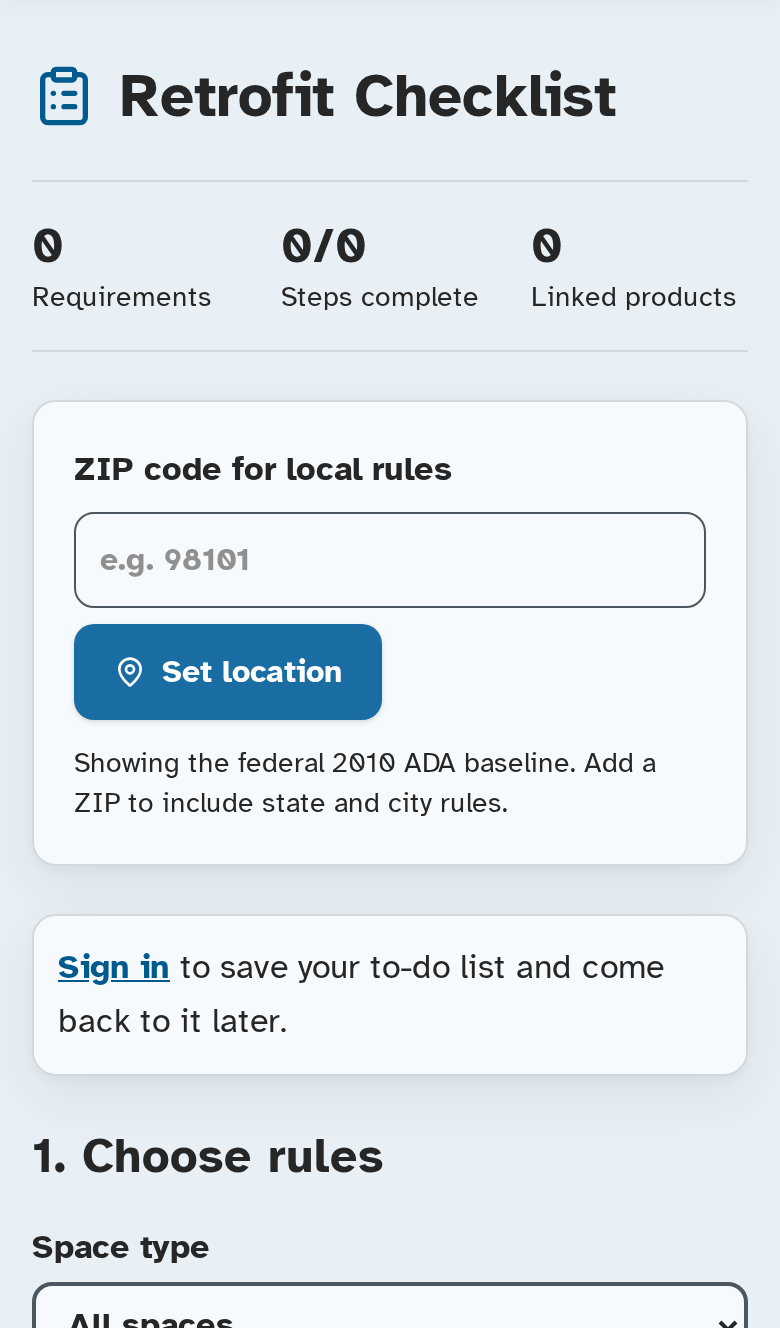
  • A11ySpaces Workplace Accessibility Plan summary showing building codes, design guidelines, and accommodations sections at 0% progress

    Get your plan

  • A11ySpaces Workplace Accessibility Plan showing 29% overall progress with completed building code and design guideline items

    Track progress

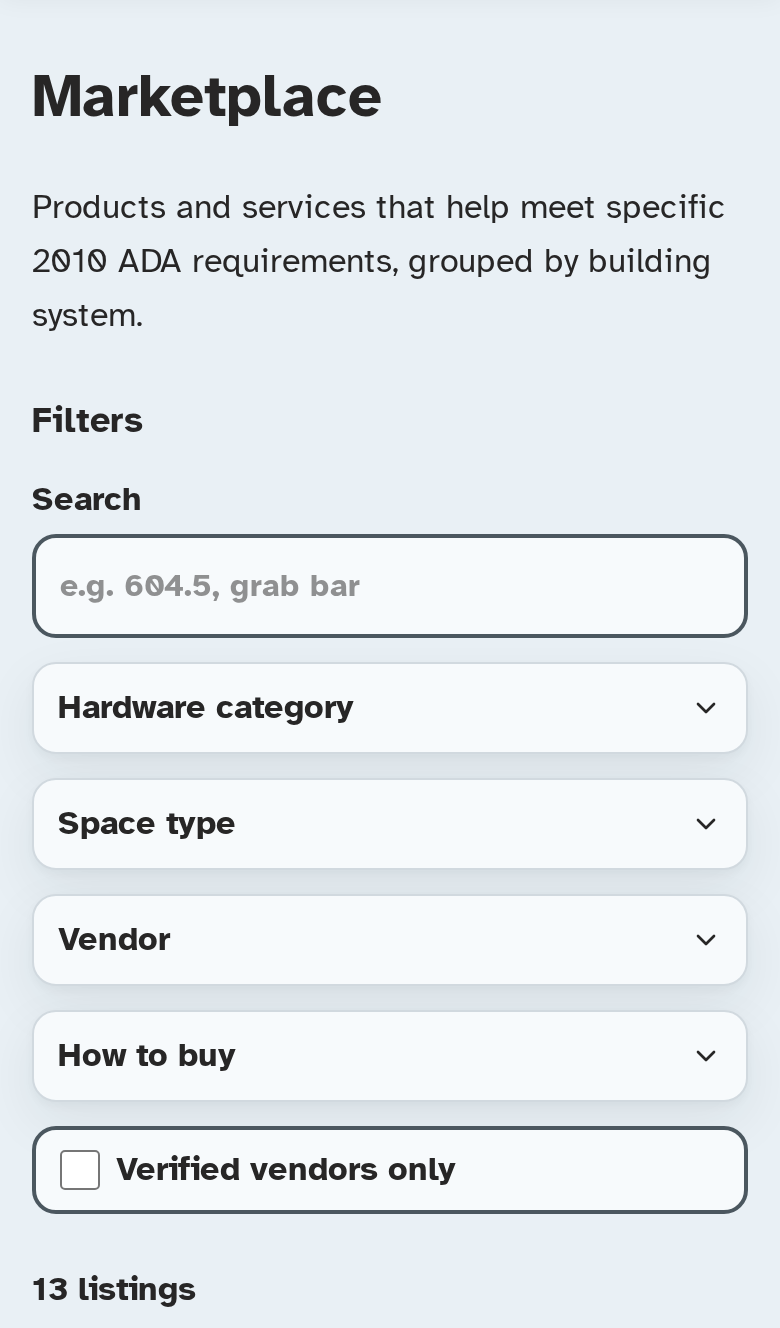
  • A11ySpaces Trusted Marketplace page showing vetted vendors, product categories, and vendor standards

    Find trusted products

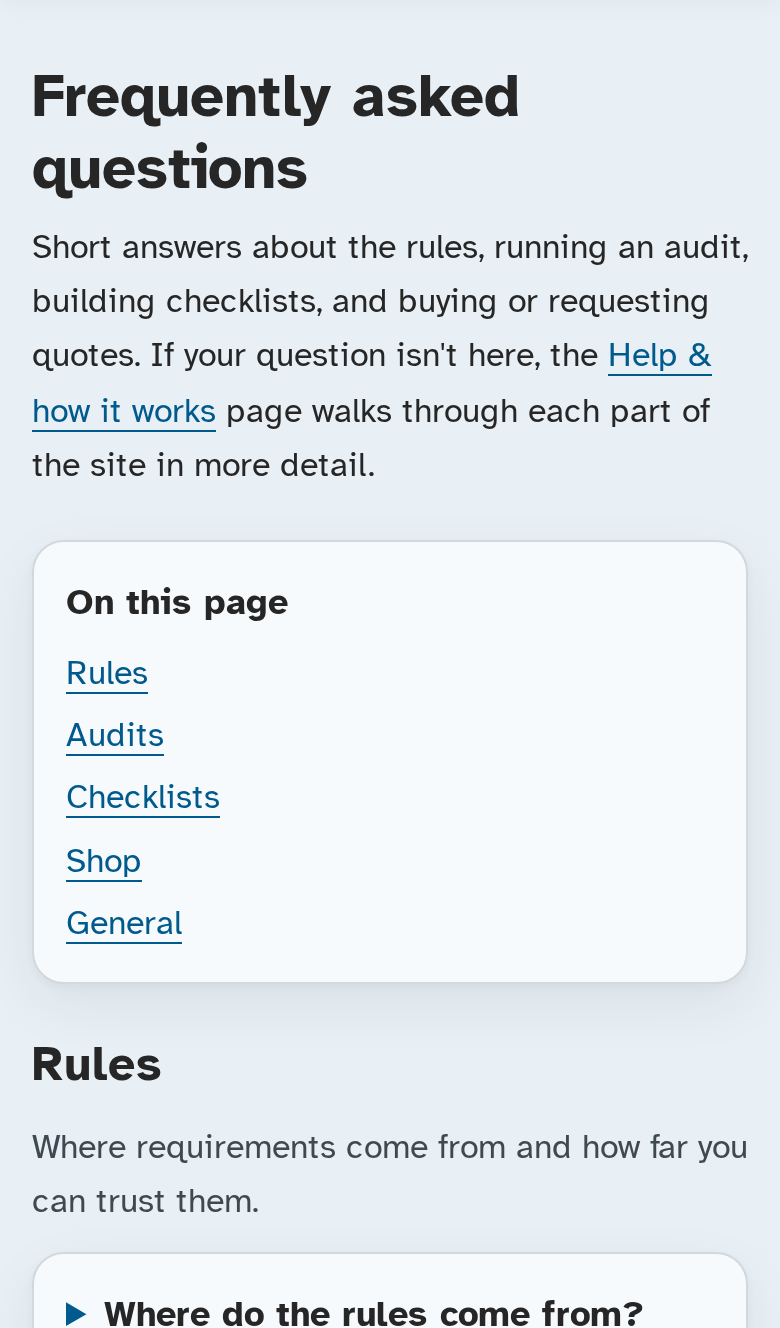
  • A11ySpaces Help and Support page with how-to steps, FAQ accordion, and contact options

    Get support

[VIDEO SHORTS]

  • #A11ySpaces short 01

  • #A11ySpaces short 02

  • #A11ySpaces short 03

[FREQUENTLY ASKED QUESTIONS]

These questions cover how #A11ySpaces works today, what’s coming next, and how we think about accuracy, responsibility, and impact.

The Basics

Product & Technology

Trust & Liability

Mission & Impact

Community & Involvement

[Resources]

Reading that helps you think about spaces beyond the code requirements — starting with a recent Forbes feature on neurodivergent-friendly public spaces, in which Britne Jenke is quoted.

Featured readForbes // August 26, 2026

What Would A Neurodivergent-Friendly Public Space Actually Look Like?

By Jennifer Jay Palumbo // Forbes

Ramps, elevators, and wide doorways are essential — but they only answer whether someone can get through the door. This Forbes feature asks what happens next, bringing together architects, researchers, and accessibility experts on the sensory, cognitive, and communication barriers that leave a technically accessible building hard or exhausting to use: flickering lights, competing noise, unclear signage, confusing layouts, unpredictable crowds, and nowhere to step away and regulate. A recurring theme is choice — giving people real control over lighting, sound, seating, and navigation, plus a place to withdraw. Britne Jenke, founder of Inclusive Pixelation, is quoted among the experts.

More from Inclusive Pixelation