Accessibility apps & tools for work

Build accessible workplaces, spaces, and content. Without the guesswork.

Stop wading through dense code books and confusing guidelines. Inclusive Pixelation makes purpose-built apps that give builders, leaders, and creators clear, plain-English accessibility answers.

Built for leaders, builders, designers, creators, and accessibility advocates.

[HOW IT WORKS]

Three steps to an accessible workplace.

  1. Step 1

    Choose your focus

    Pick what you're working on today — a physical building (A11ySpaces), team inclusion training (A11yLearn), or accessible presentations and digital media (A11ySpot).

  2. Step 2

    Get clear, practical guidance

    Test your color contrast, build accessible interactions and presentations, or enter a US ZIP code to see federal and local accessibility rules.

  3. Step 3

    Launch with confidence

    Open your doors, deliver your presentation, or share your course knowing you've removed barriers and met accessibility standards.

[OUR APPS]

Accessibility compliance app

A11ySpaces

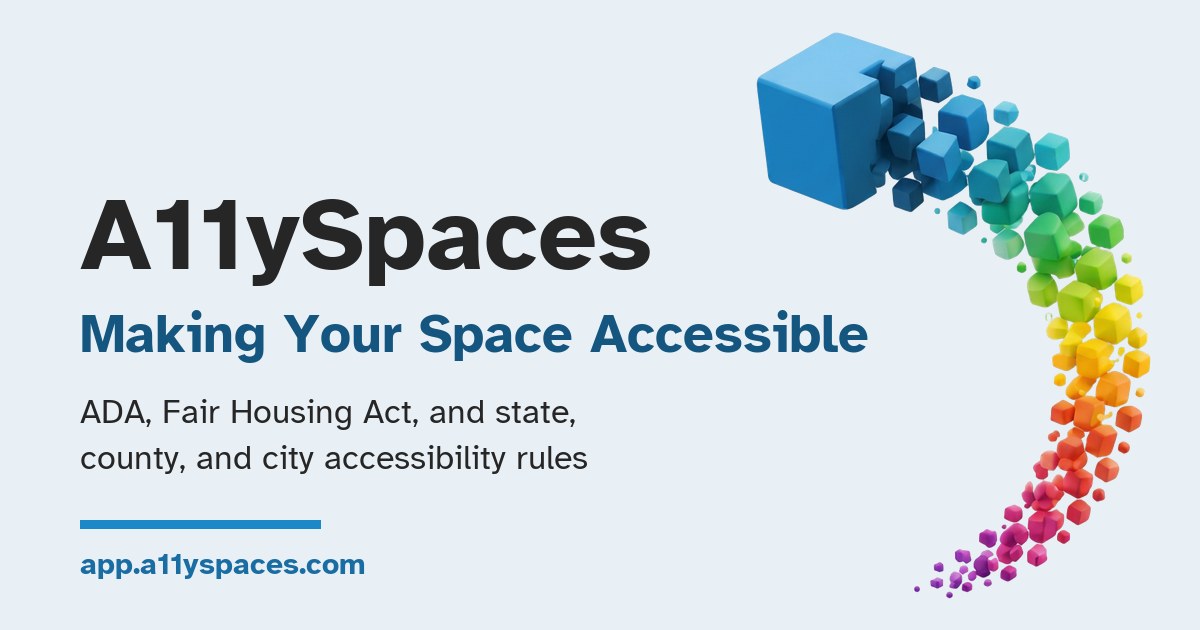
Find out which accessibility rules apply to your space. Enter a ZIP code and building type to see the 2010 ADA Standards plus the state, county, and city requirements where you are — then audit your space and plan the fixes.

  • Federal, state, county, and city rules by ZIP code
  • Quick space audits and retrofit checklists
  • Free to use, built for phones
A11ySpaces: Making Your Space Accessible. ADA, Fair Housing Act, and state, county, and city accessibility rules
Personalized training appComing soon

A11yLearn

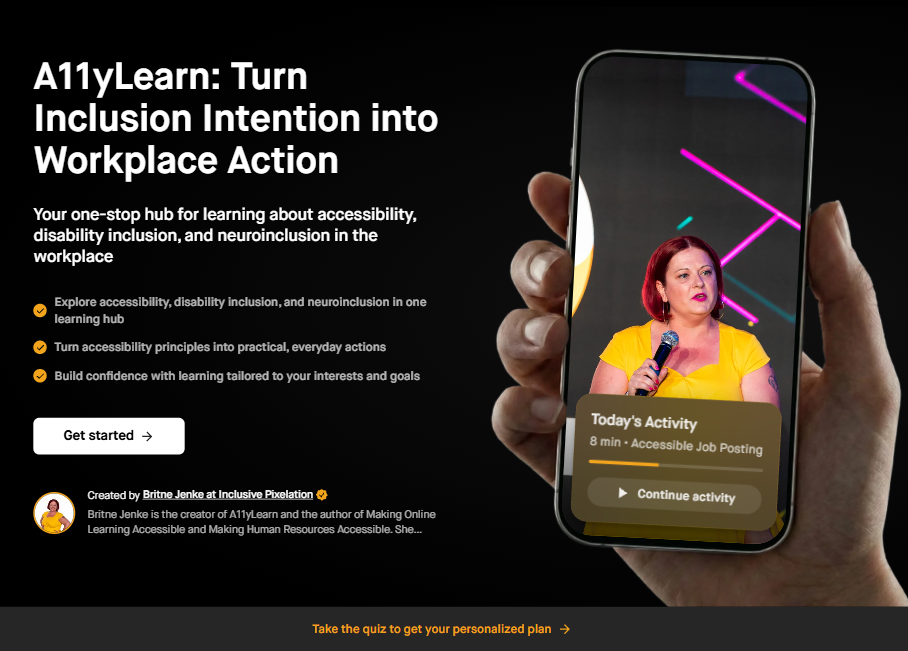
Personalized training for disability inclusion at work. All of our courses and lessons, rebuilt into an app that answers your questions and guides your next step — for HR leaders, managers, business owners, and accessibility practitioners.

  • Training tailored to your workplace
  • Every A11yLearn course and lesson built in
  • Practical guidance you can use right away
A11yLearn app preview: 'Turn Inclusion Intention into Workplace Action' beside a hand holding a phone showing Britne speaking on stage and today's activity, an 8-minute lesson on accessible job posting

A11ySpot

Apps for Presenters

Apps for Instructional Designers

Apps for Anyone

[CONNECT]

Ready to make your work accessible?

Schedule a chat

Book time to talk about accessibility strategy, partnerships, or your next project.

Book a call

Send an email

Have a specific question? Reach out directly and we'll respond as soon as possible.

Email us

Subscribe to our newsletter

Get accessibility insights, project updates, and guest announcements.

Read on Substack