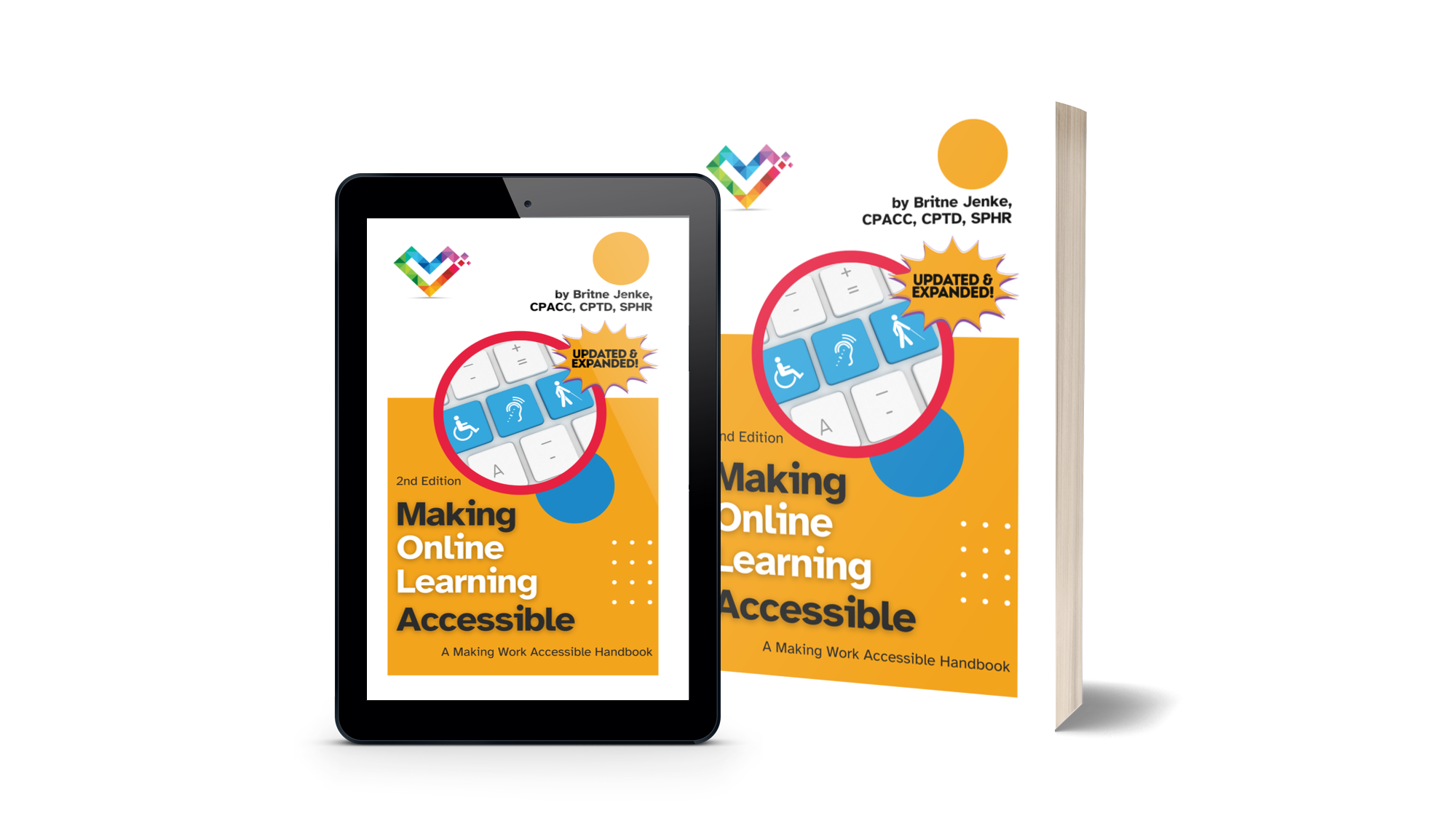
[BOOK 01]
Making Online Learning Accessible, Second Edition
A handbook designed to help training teams, instructional designers, and educators create accessible online learning experiences that reach every learner.
Order on AmazonPractical, plain-language accessibility handbooks and free eLearning accessibility checklists that help teams put inclusion into action — from online learning to human resources and beyond.
Britne Jenke

Britne Jenke is an author, speaker, trainer, and consultant — and a passionate advocate for disability inclusion in the workplace. As the founder of Inclusive Pixelation, an accessibility consulting agency, she partners with individuals and organizations to empower them with the knowledge, skills, and tools for Making Work Accessible for everyone.
Britne's expertise comes from decades of experience in training and development, web design, and information services, and is further validated by her certifications in accessibility, human resources, talent development, and diversity & inclusion. Her insights have been featured in multiple articles and podcasts, and she is a frequent and sought-after speaker at various industry events and conferences.
Current and upcoming accessibility handbooks in the series.
A handbook designed to help training teams, instructional designers, and educators create accessible online learning experiences that reach every learner.
Order on Amazon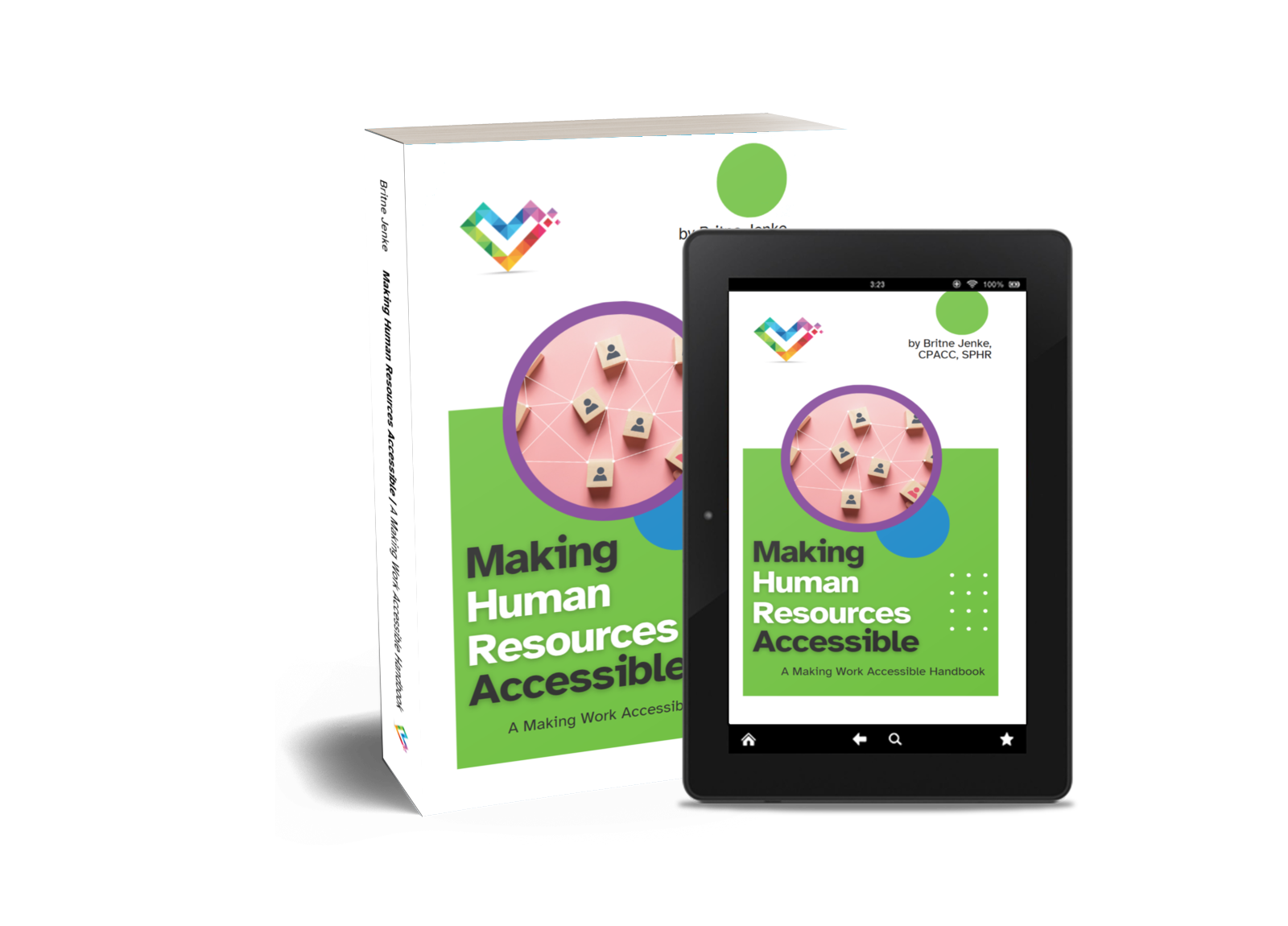
The next handbook in the series focuses on HR practices — from recruitment and onboarding to retention and compliance — through an accessibility-first lens.
Preorder on AmazonA framework reference for inclusive leadership and design, by Britne Jenke.
Strategies for speakers, trainers, and event organizers to make presentations, stages, and sessions accessible to all audiences.
A practical guide for leaders and managers who want to build accessible, inclusive teams and workplace cultures.
Free eLearning accessibility checklists and chapter downloads.
A free eLearning accessibility checklist from the A11yBook series. Use it to quickly audit any online learning project for keyboard navigation, color contrast, image accessibility, media captions, consistent design, and real-user testing.
Download ChecklistAudit self-paced courses and on-demand content for clear structure, keyboard navigation, readable typography, and inclusive social interactions.
DownloadCheck live webinars, virtual classrooms, and real-time events for captioning, platform accessibility, keyboard-only use, and non-audio alternatives.
DownloadReview podcasts, audio recordings, videos, and images for transcripts, captions, audio descriptions, alt text, and keyboard-friendly controls.
DownloadEvaluate eLearning interactions, buttons, links, forms, and timed content for visible focus, clear purpose, error prevention, and accessible target sizes.
DownloadEnsure PDFs and documents have proper headings, reading order, contrast, plain language, and keyboard navigation without relying on color or sensory cues.
Download